Public Overlay Showcase
Preview real overlay screenshots and recordings. Sign in to copy your personal overlay URLs, capture screenshots, and launch recordings from your dashboard.
Overlay Types

Free
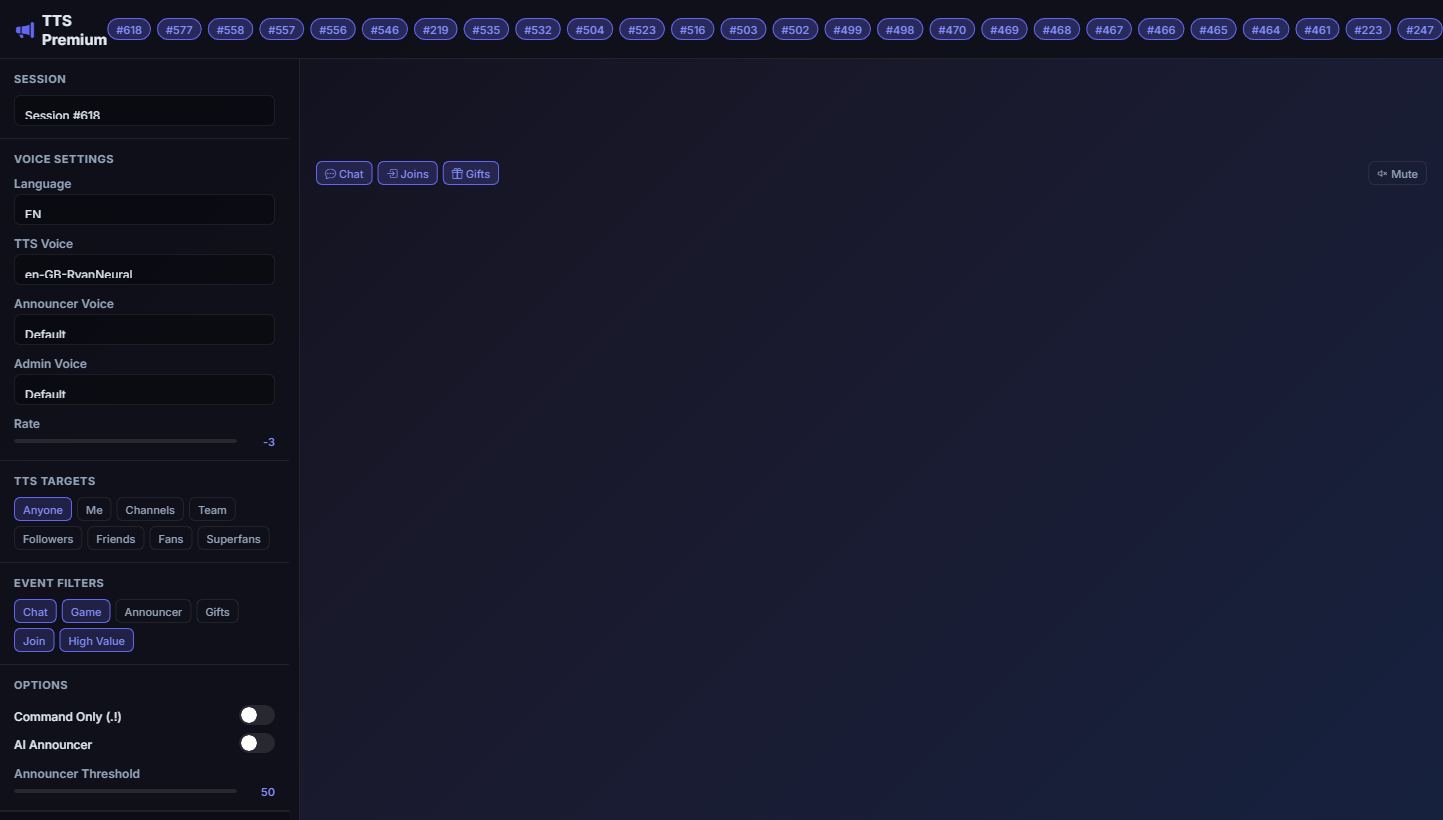
Xoompa TTS
Plays your TTS with captions and mini chat; quick settings when opened from /voice Subscribe to Use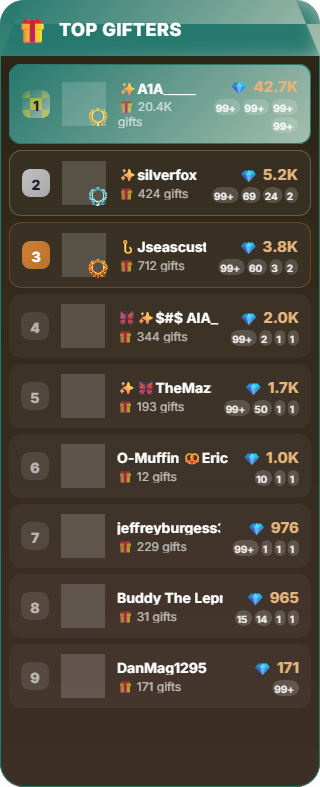
Pro
No capture yet
Animal Kingdom
Phaser-powered animal crew that grows with gifts and likes Subscribe to Use
Premium
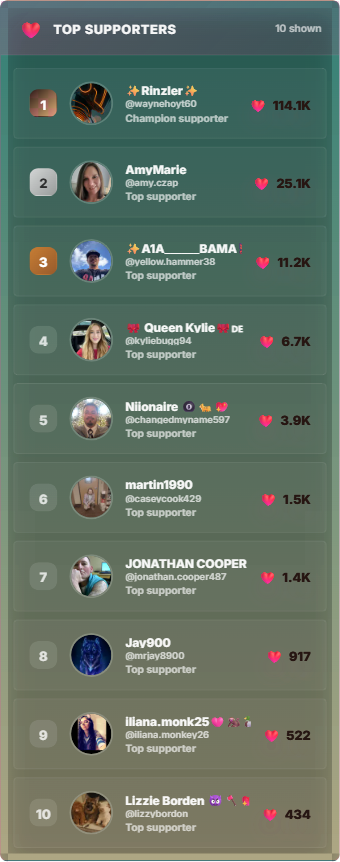
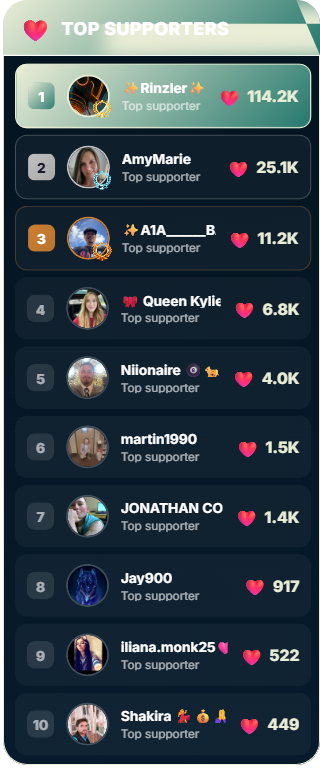
Premium Likes Leaderboard
Enhanced likes leaderboard with premium theming and controls Subscribe to Use
Premium
No capture yet
Alerts
Show follow, subscribe, and gift alerts Coming Soon
Premium
No capture yet
Premium Data Collector
Advanced viewer intelligence collector with retention, flow, and collapse alerts Subscribe to Use
Premium
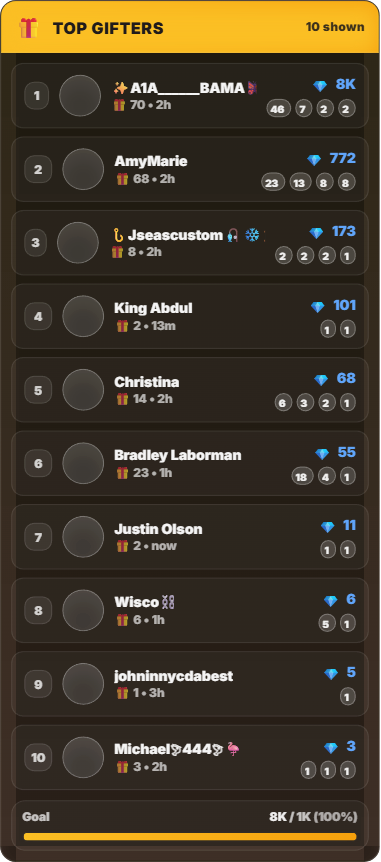
Premium Gifts Leaderboard
Enhanced gifts leaderboard with premium theming and controls Subscribe to Use
Platinum
No capture yet
Leaderboard
Advanced session leaderboard with rankings Coming Soon
Premium
No capture yet
Ticket Raffle
Gift-driven raffle ticket overlay with entrant tracking and animated ticket bursts Subscribe to Use
Platinum
No capture yet
AI Avatar Widget
VRM 3D avatar that animates with emotion and lip-sync driven by AI responses Subscribe to Use
Platinum
No capture yet
AI Host (FBX)
Mixamo FBX character animated by AI — body actions driven by semantic gesture planner Subscribe to UseOBS Setup Guide
Add Browser Source
- In OBS, click + under Sources
- Select Browser
- Name it "Gift Overlay"
Configure Source
- Paste your overlay URL
- Set Width:
1920, Height:1080 - Uncheck "Shutdown source when not visible"
- Click OK — Done!
Recommended Settings
Width: 1920
Height: 1080
FPS: 60
Custom CSS: (leave empty)
Shutdown when not visible: OFF